
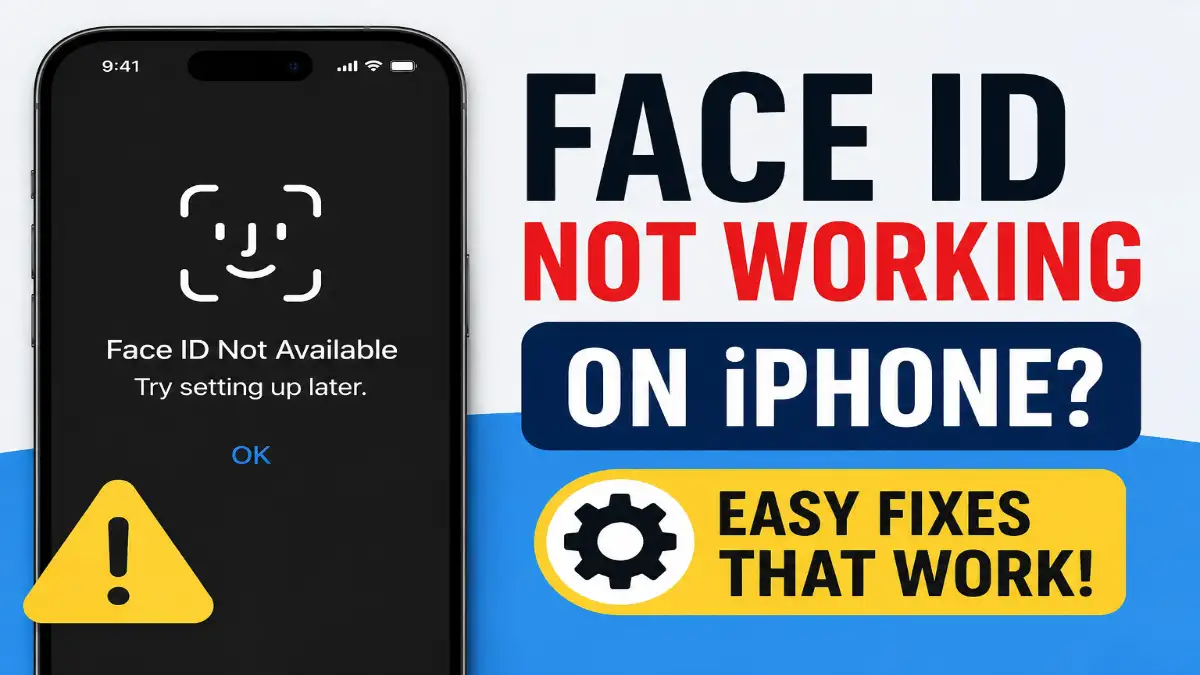

If your Face ID suddenly stops working or you see a message like “Face ID not available; try setting it up later,” don’t panic- this is a common issue that can be easily fixed. Whether you are using an iPhone 15, iPhone 11, or any other model, this guide explains why Face ID stops working and how to reset it properly.
Why Does Face ID Stop Working?
Face ID can stop working for many reasons:
- The TrueDepth camera got dirty or blocked
- Your iPhone got a new software update, and something broke
- Your iPhone is an iPhone 15 or iPhone 11 and has a small hardware issue.
- A setting got turned off by mistake.
- Your phone needs a restart
Sometimes Face ID stops working after a system update. This is normal and fixable.
How to Fix Face ID Not Working
Step 1: Clean Your Phone’s Front Camera
Gently wipe the top part of your screen. Remove any screen protector or case that blocks the camera. This fixes many Face ID problems.
Step 2: Restart Your iPhone
Turn your iPhone off, wait 30 seconds, then turn it back on. This fixes many small glitches.
Step 3: Reset Face ID
Here’s how to reset Face ID:
- Open Settings on your iPhone
- Tap Face ID & Passcode
- Enter your phone passcode
- Tap Reset Face ID
- Tap Reset Face ID again to confirm
- Now tap Set Up Face ID and scan your face again
If Reset Face ID is not working, your phone might need a restart first. Try Step 2 again.
Step 4: Check Your Face ID Settings
Go to Settings → Face ID & Passcode. Make sure all the boxes are checked for things like iPhone Unlock, Apple Pay, and App Store.
Step 5: Update Your iPhone
If you see Face ID not working on iOS version issues, update your phone:
- Go to Settings → General → Software Update
- Install any new updates if available
Step 6: Reset All Settings (If Still Not Working)
If Face ID is not working after the update and nothing else has worked, try this:
- Go to Settings → General → Transfer or Reset iPhone
- Tap Reset → Reset All Settings
- Enter your passcode and confirm
This will not delete your photos or apps. It only resets settings like wallpaper and notifications. Your data stays safe.
Face ID Not Working on iPhone 15
The iPhone 15 sometimes has Face ID issues after iOS updates. Try resetting all settings. If it still fails, contact Apple Support.
Face ID Not Working on iPhone 11
The iPhone 11 is older. Sometimes its camera wears out. If resetting Face ID doesn’t work, the camera might need repair.
Check for These Signs
- Cracks near the front camera area
- Fogging or moisture inside the screen
- Face ID setup is failing repeatedly
Try These Fixes
- Restart the device.
- Update to the latest iOS version.
- Reset Face ID.
- Reset all settings if needed.
If none of these help, the hardware may require professional repair.
When to Call Apple Support
Call Apple if:
- You dropped your phone in water
- Your phone was dropped and cracked
- Face ID still doesn’t work after trying all the steps above
- You see “Face ID not available, try setting up later” again and again
Conclusion
In most cases, when Face ID stops working, it is simply a minor software issue. Restart your phone and then reset Face ID; this resolves most problems. If the message “Face ID not available, try setting up later” keeps appearing even after resetting, it might be a hardware issue. In that case, Apple Support can assist you.
Your iPhone remains secure; you can use your passcode to unlock it. Simply fix the Face ID issue, and everything will return to normal.
Frequently Asked Questions
Why is my Face ID not working all of a sudden?
This usually happens due to software bugs, camera obstructions, incorrect settings, or a recent iOS update.
How do I reset Face ID?
Go to Settings > Face ID & Passcode > Reset Face ID, then set it up again.
Why is Face ID not available on my iPhone?
Your iPhone might have a software issue, a sensor problem, or a hardware malfunction that is affecting the TrueDepth camera system.
Does updating iOS fix Face ID problems?
Yes, if Face ID stops working after an update, installing the latest iOS patch can often resolve the issue.
