
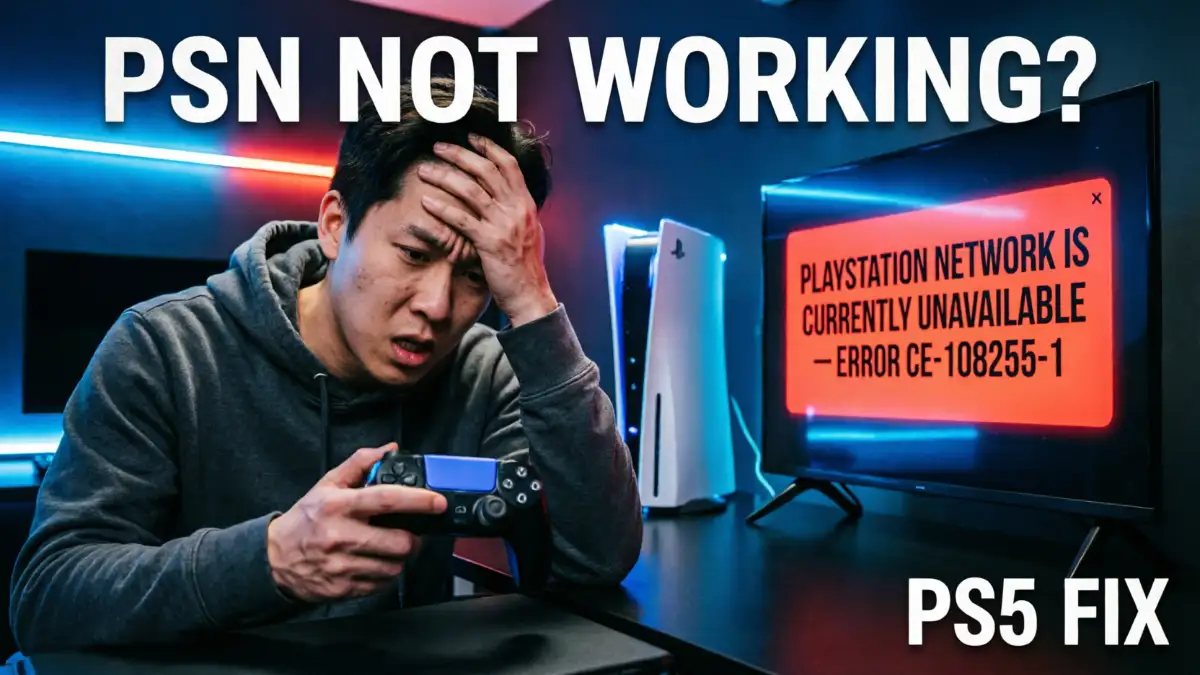

If you sit down to play a game and turn on your console only to be met with an error screen, or find that PlayStation Network isn’t working on your PS5, the cause is usually a PSN outage, a weak internet connection, a router issue, or a sign-in problem. Often, the issue lies not with your console itself, but with Sony’s servers or your account settings. So, don’t panic; it can usually be fixed easily. Let’s take a look at what’s happening and how you can get back online.
Why PlayStation Network Stops Working
The PlayStation Network may stop working when there is a fault with Sony’s servers or during scheduled maintenance. This can affect the PS5, PS4, PlayStation Store, Remote Play, and account-related services simultaneously. However, the issue could sometimes originate on your end. A slow connection, incorrect DNS settings, an outdated system update, or a temporary account glitch can prevent PSN from functioning correctly.
How To Check If PlayStation Network is Down
First, check whether PSN is down. If there is an issue with Sony’s servers, you might be unable to sign in, access the store, or play online games.
If PSN is indeed down, the only solution is to wait for the service to come back online. The duration of the outage depends on the specific issue, so no exact timeframe can be provided. However, please do not make any changes to your system until the PSN network is restored or maintenance is complete.
Fixes For PS5 Sign-In Problems
- If you notice a PlayStation Network sign-in failed error on PS5, you should restart your console and router first to check the problem; this simple step often clears temporary connection problems.
- Next, you need to check your internet connection, confirm your email and password, and make sure your account is verified.
- If needed, please forget your Wi-Fi network and reconnect it again.
- You can also update your system software and try changing DNS settings. When the internet is working, but PSN still refuses to sign you in, these steps often help.
Fixes For PS4 Sign-In Problems
You can also apply the same steps to PlayStation Network sign-in PS4 errors. Also, restart your console, restart the router, and try signing in again after checking the network.
If the problem continues, you can reconnect to Wi-Fi, update your system, and verify your account information. Many PS4 sign-in issues are caused by minor connection or account errors rather than major system problems.
PSN Account Sign Up Problems
If you want to create a PlayStation account, ensure you enter the correct email address and region details. If the PSN server is undergoing maintenance or is down at the time of registration, your account sign-up will not succeed; in this case, you will need to wait and try creating it again.
If you already have an account but are unable to log in and use it, reset your password and try again. PSN may also fail to function correctly due to account verification issues.
When Internet Works But PSN Does Not
Sometimes, your console might indicate that the internet is working, yet you are unable to sign in to the PlayStation Network. This usually indicates that the issue lies not with your internet service, but rather with the PSN servers, account authentication, or network settings.
That is why many people search for terms like “PlayStation Network sign-in failed but internet connection [is active].” You might receive notifications, and the console may appear online, yet PSN fails to verify the login.
FAQ
Why is my PlayStation Network not working on PS5?
My PlayStation Network is not working on PS5 due to a PSN outage, internet issues, DNS problems, or account sign-in errors.
How long will PlayStation Network be down?
There is no fixed timing because it totally depends on the reason for the outage.
Why does PlayStation Network sign-in fail but internet still works?
The internet connection is fine, but PSN authentication isn’t working properly; this could be due to network or server maintenance.
Conclusion
If you are a gamer, PSN network issues can be frustrating; they can arise from network problems or server maintenance, but trying these simple steps will often get you back online. Reboot your router, restart your console, and get back to your game.
